Besia
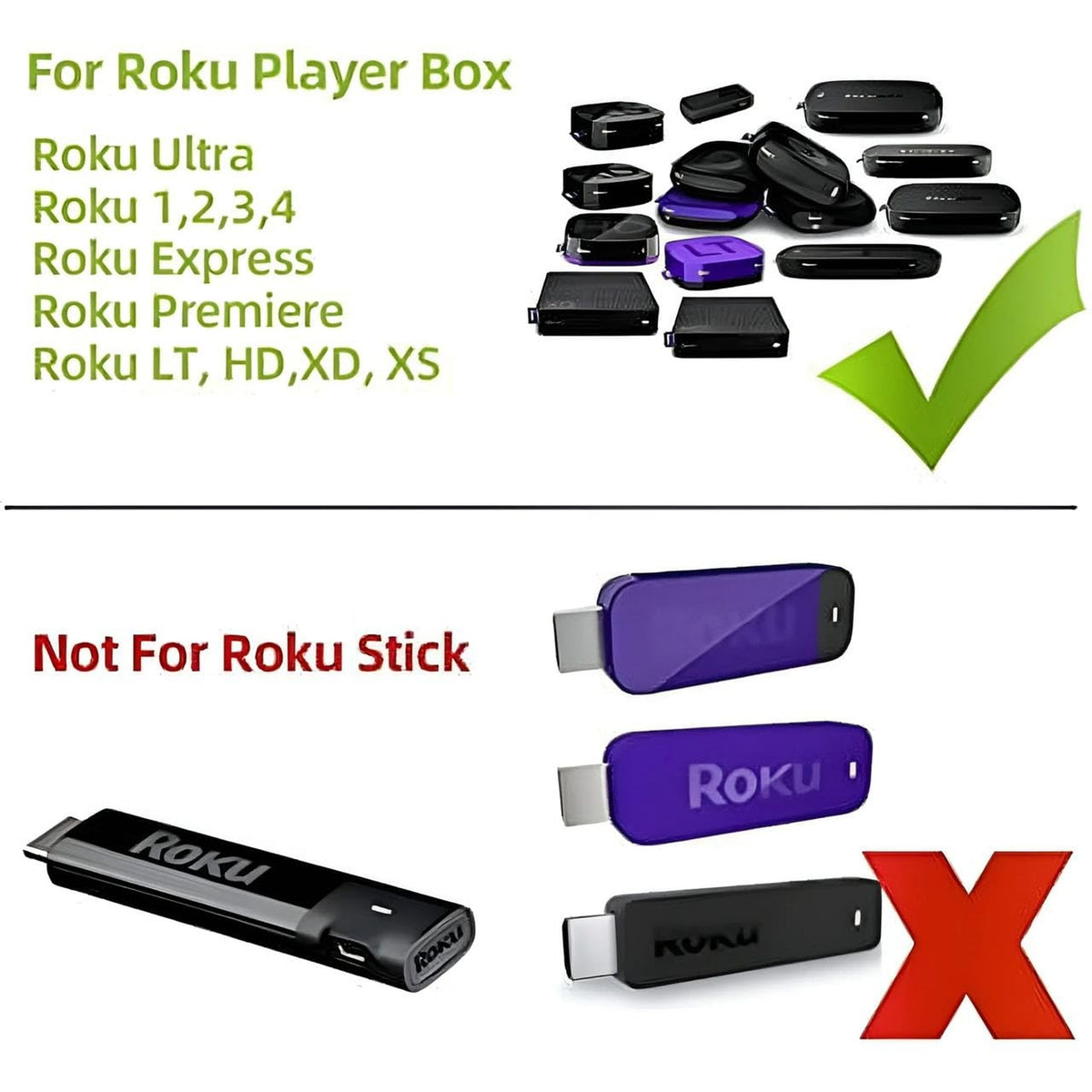
(2 Pack) Replaced Remote Compatible with ROKU Box, ROKU Express, ROKU Premiere, ROKU Player, ROKU 1 2 3 4 NOT for Any ROKU Stick or ROKU TV
(2 Pack) Replaced Remote Compatible with ROKU Box, ROKU Express, ROKU Premiere, ROKU Player, ROKU 1 2 3 4 NOT for Any ROKU Stick or ROKU TV
Couldn't load pickup availability
This remote does not work for any Roku Stick or Roku TV. Compatible with: Roku 1 SE 2710, Roku 2 HD (3000), Roku 2 XD (3050), Roku 2 XS (3100), Roku 2 (2720, 4210), Roku 3 (4200, 4230), Roku 4 (4400), Roku HD (2500, 2000, N1100), Roku LT (2450, 2400), Roku XD (2050), Roku XDS (2100), Roku Express (3700, 3900, 3930R), Roku Express+(3710, 3910, 3931W), Roku Premiere (4620, 3920R), Roku Premiere+(4630, 3921RW). NO headphone jack. NO pairing button. NO volume control. NO voice search. NO power button. Please make sure your ROKU device is a Box or Player before you buy this remote, Our replacement Remote is not for ROKU TV! No programming is needed, just put in fresh batteries and ready for use. Note: This remote does not work for any Roku Stick or Roku TV. Compat
- Compatibility: Designed for Roku streaming players, including Roku 1 SE, Roku 2 HD/XD/XS, Roku 2, Roku 3, Roku 4, Roku HD, Roku LT, Roku XD, Roku XDS, Roku Express, Roku Express+, Roku Premiere, and Roku Premiere+.
- Limited Functionality: This remote lacks a headphone jack, pairing button, volume control, voice search, and power button functionality.
- Ease of Use: Simple and straightforward remote control for basic navigation and playback on compatible Roku devices.
- Compatibility Exclusions: Not compatible with Roku Stick or Roku TV models.
- Compatibility Check: Verify compatibility with your specific Roku device model before purchasing to ensure proper functionality.
Materials
Materials
Case: New ABS. Buttons: New Silicon Rubber.
Shipping & Returns
Shipping & Returns
Free Shipping.
30 days no hassle return, and 90 Days warranty on all products
Dimensions
Dimensions
17.5x4.5x2 cm (approximately)
Care Instructions
Care Instructions
Most of Remote Control doesn't need to program. Just put battery in. Then it works. But for the Bluetooth remote, please follow the included manual and pair it before use.